Restaurant management software that brings your floor, kitchen and counter together. Take orders, manage billing in NPR and keep an eye on stock—from one connected workspace.
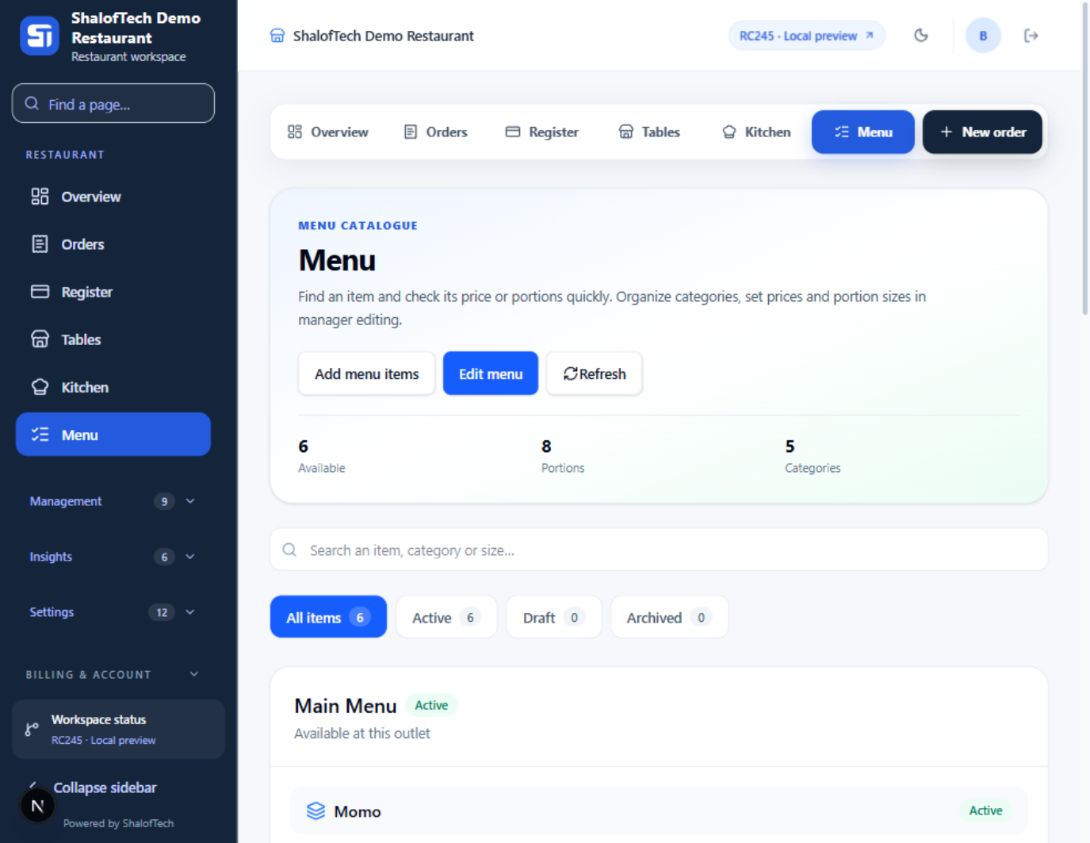
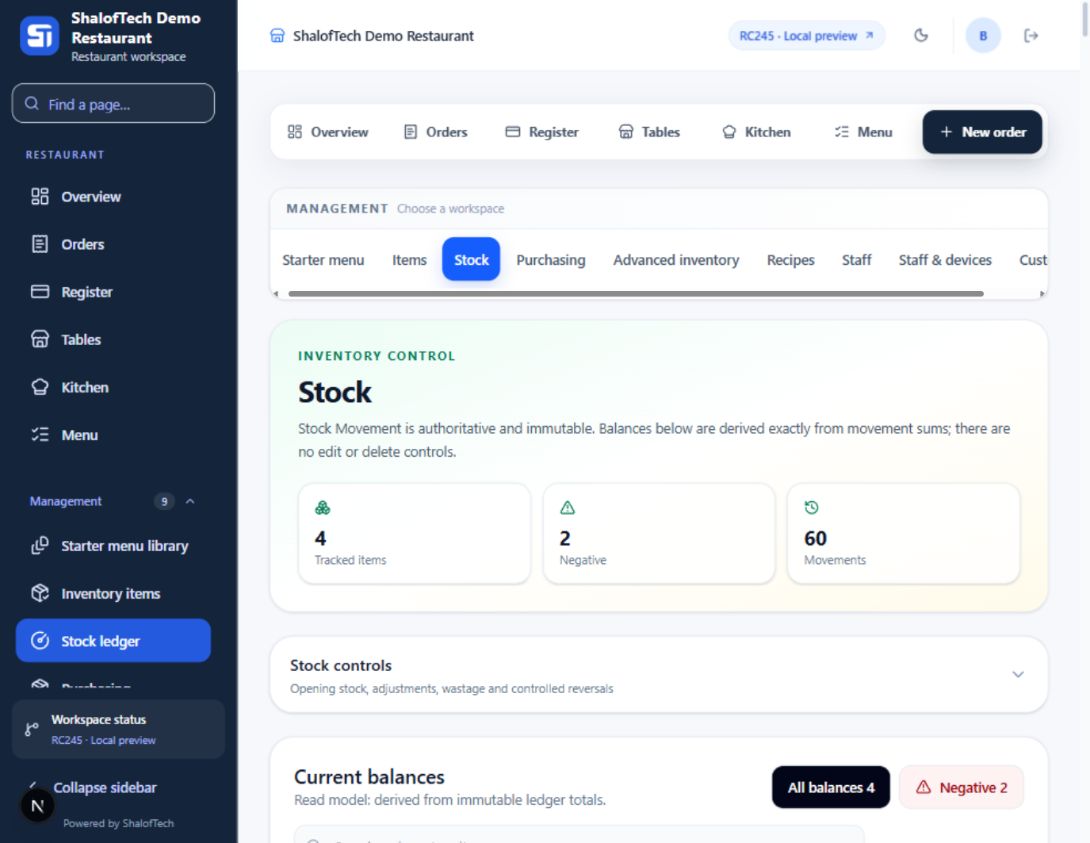
A closer look at the tools behind daily service. These are real screens from ShalofTech Demo Restaurant; your workspace carries your own restaurant’s name, menu and team.
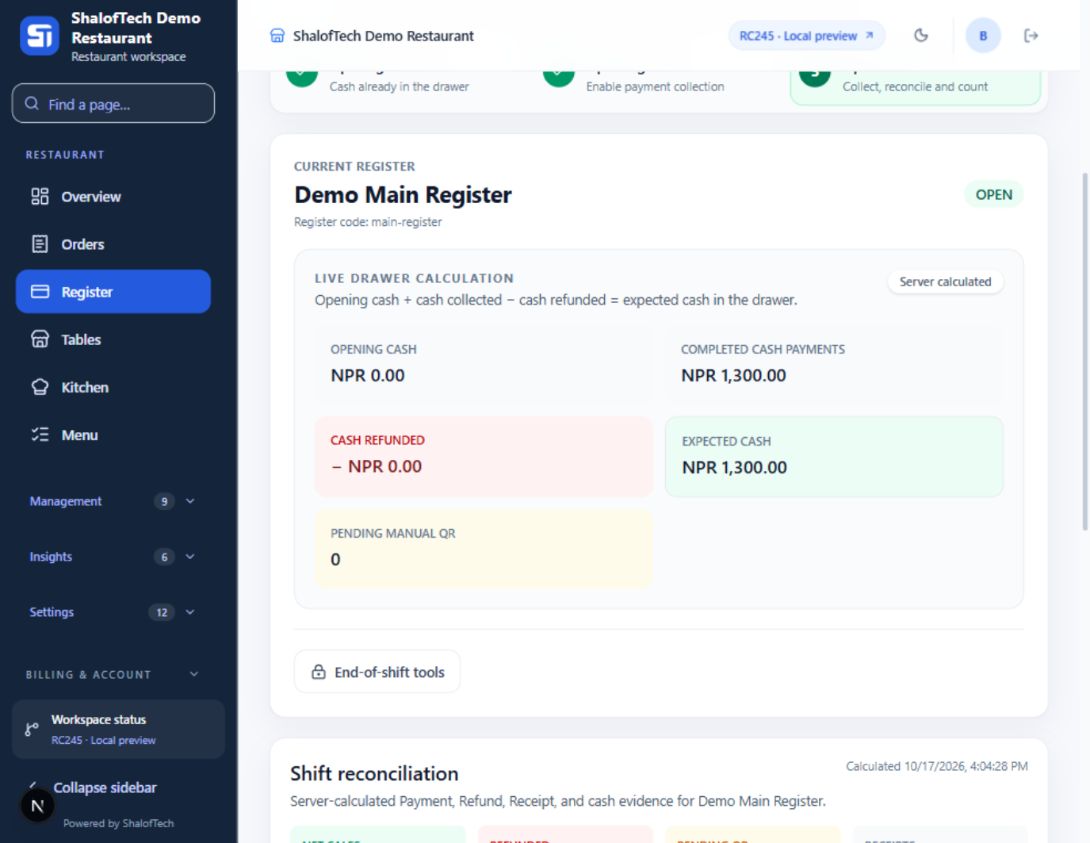
01 / Register shifts
Keep the counter ready for service.
Open the register, follow shift progress and prepare to collect payments. The register view keeps the current service stage visible to the team.
Use a trial service to check the everyday details: table orders, kitchen handoffs, billing in NPR, team access and your counter printer.
Set up your menu and team
Configure the branch, menu and staff responsibilities. Walk through an order with the people who will take, prepare and bill it.
Review billing and tax setup
Check configured tax and discount values with your accountant. The software displays saved billing values; confirm your business's invoice requirements before use.
Try a complete service
Take a sample order, follow kitchen progress, record a payment and print a receipt. Confirm the workflow on the devices your team uses.
Restaurant features
Keep daily restaurant work in one place.
Choose the workflow your team needs, with business records kept
together.
Tables and orders
Open the right table bill, add items and keep order notes with the
service.
Kitchen coordination
Follow kitchen tickets through preparation, readiness and service,
including items prepared or served in separate batches.
Restaurant billing and POS
Review NPR balances, configured tax and discounts, payment methods
and saved receipts.
Inventory and purchasing
Review stock balances, movements, counts, transfers and purchasing
records.
Staff workspaces
Give waiters, kitchen staff, cashiers, managers and accountants
role-focused entry points.
Your restaurant website
Prepare your restaurant's public information, menu, opening hours
and branding from its workspace.
A service flow your team can follow
Less searching for the next step.
1Open the tableStart or continue the correct bill.
2Send the orderKeep item notes with the kitchen ticket.
3Prepare and serveFollow ready and served quantities.
4Record paymentReview the balance and save the payment outcome.
5Issue the receiptReview the bill and select your printer.
Before you get started
A few things you might be wondering.
Choosing software is a team decision. Start here, or talk to ShalofTech about your restaurant.
Is this a restaurant website or management software?
ShalofTech is the software development company. This restaurant management service is a product for restaurant owners and their teams. Each owner uses a separate workspace with their restaurant's name. Public-site tools help owners build their own customer-facing restaurant website.
Can I use my receipt printer?
Browser printing uses a printer installed on the restaurant
computer. Test your printer driver, roll width and receipt layout
before relying on it during service. Automatic cutting depends on your printer hardware and driver. Check a sample bill on the counter computer before service.
Does it support tax and discounts?
The billing workflow displays saved configured tax and discount
values. Review your business tax setup and receipt requirements
with your accountant before live use.
How should we start?
Create a restaurant workspace, configure your branch and team, and
run a trial service with sample orders. Verify printer
compatibility, payment methods and staff responsibilities before
customer rollout.
How do I check the right package for my restaurant?
Contact shaloftech@gmail.com with your branch count, team roles and the workflows you need. Review the available package and its terms before choosing your restaurant setup.
Bring your team together
Ready for your next service?
Bring your menu and team together, then try an order from the table to the printed receipt. Have a question? Contact ShalofTech.